
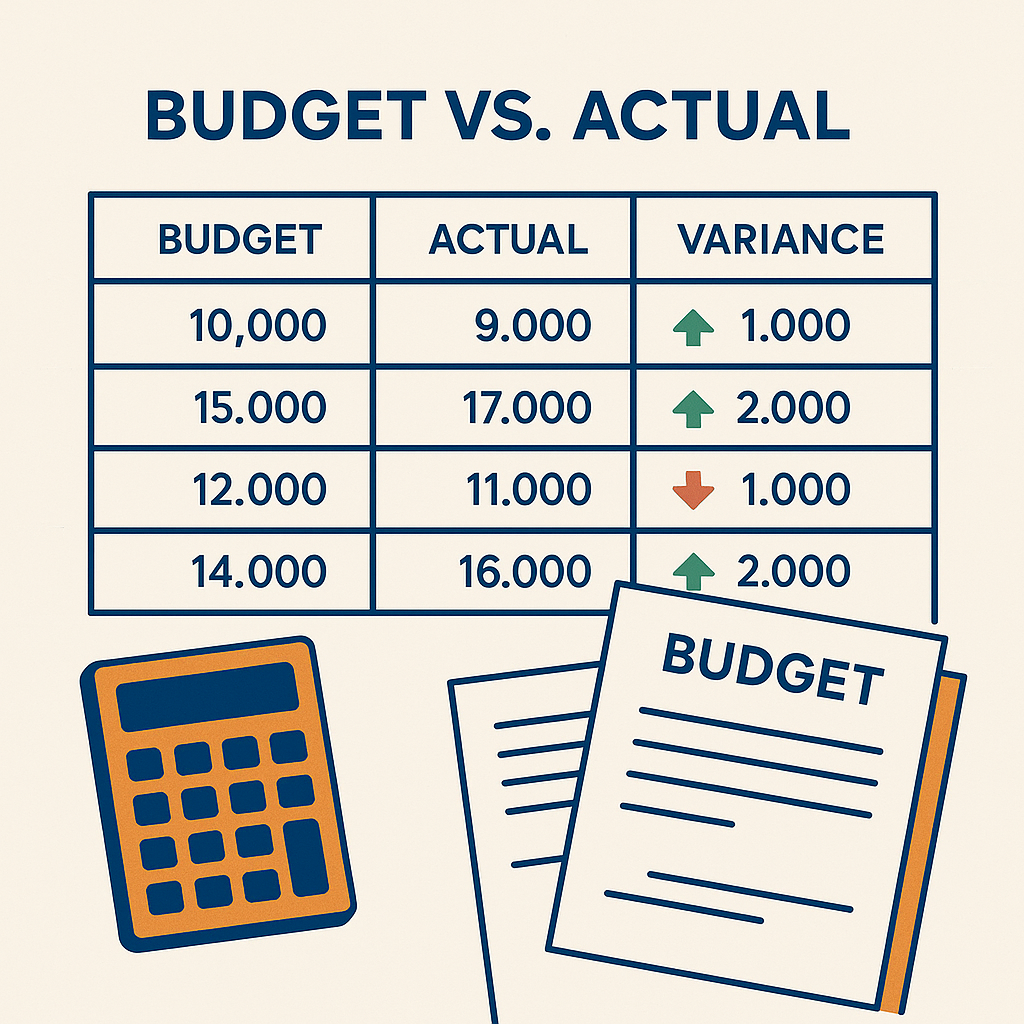
ChatGPT for Budgeting and Variance Analysis: A Practical Guide
Budgeting season is one of the most stressful periods in the finance calendar. Department heads submit numbers that are either overly optimistic to match targets or padded to create slack. Finance teams spend weeks consolidating spreadsheets, checking cross-references, and reconciling version conflicts. When actual results come in, the variance analysis cycle begins again: pull actuals, compare to budget, calculate differences, write commentary, explain outliers. The entire process repeats monthly, quarterly, and annually with the same frustrations.
ChatGPT transforms this workflow. Instead of manually comparing hundreds of line items across multiple spreadsheets, you upload your budget and actuals, and ChatGPT produces a complete variance analysis with commentary, visualisation suggestions, and actionable insights. It spots patterns a human reviewer might miss — like a department that consistently overruns in the same category or a favourable variance that masks deteriorating margins. The AI does not replace the judgement of a finance professional, but it eliminates the mechanical work that consumes most of the analysis time.
Rolling forecasts and flexible budgeting add another layer of complexity. Most companies lock their annual budget in December and rarely revisit it, which means the January assumptions are already outdated by March. ChatGPT can help you build rolling forecasts that update automatically as new actuals become available, keeping your forward-looking projections relevant throughout the year.
Start with the first prompt this month during your regular variance review. Once the team is comfortable with the output, add the rolling forecast prompt for your next quarterly review. The goal is not to eliminate budgeting work — it is to shift the team’s time from spreadsheet mechanics to strategic discussion and decision support.